
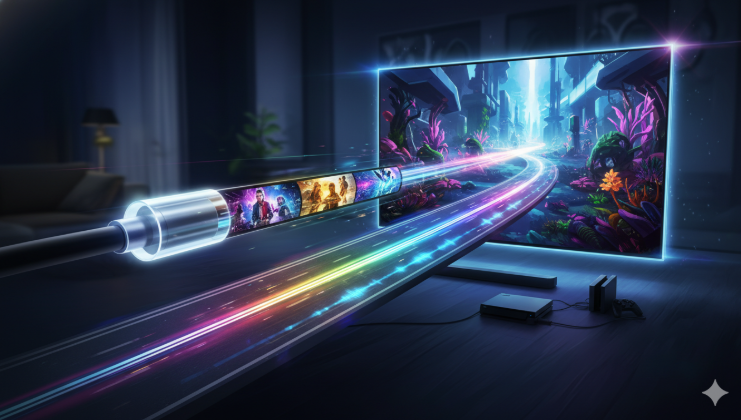

Choosing the right hdmi cable might seem a bit tricky at first, but it is actually quite simple when you know what to look for. Most people just want their movies and games to look sharp and clear without any flickering screens. In this guide, I will help you understand how these cables work and why they are the most important part of your living room setup. Think of this cable as a superhighway that carries pictures and sound from your device straight to your big screen. If the highway is too small or old, you might miss out on the best colors and sounds.
I have spent years testing different tech setups, and I can tell you that you do not always need to spend a lot of money to get a great hdmi cable. Whether you are plugging in a new gaming console or setting up a simple streaming stick, the right connection makes a huge difference. We are going to break down everything from speed ratings to plug types in a way that is easy for anyone to understand. Let’s dive in and make sure your TV looks the best it possibly can!
What Exactly is an HDMI Cable?
An hdmi cable is a special wire that sends high-quality video and audio signals between devices. “HDMI” stands for High-Definition Multimedia Interface. Before these existed, we had to use three or five different colored wires just to get a basic picture on our screens. Now, this single, thin wire does all the heavy lifting for us. It is the global standard for connecting things like laptops, cable boxes, and Blu-ray players to monitors and televisions.
When you use a high-quality hdmi cable, you are ensuring that the digital data stays perfect from start to finish. If you use a very old or damaged wire, you might see “snow” on the screen or the sound might cut out. Most modern cables are very sturdy, but they still have tiny pins inside the connector that need to be treated with care. Understanding this simple tool is the first step to becoming the tech expert of your own home.
Understanding the Different Speed Ratings
Not every hdmi cable is built the same way inside. Some are designed for older TVs that only show basic high-definition pictures, while others are built for the newest 8K screens. The most common one you will see today is the High Speed version, which handles 1080p video easily. If you have a newer 4K TV, you will want to look for one labeled “Premium High Speed.” These are tested to make sure they can handle the extra data needed for bright colors and very sharp images.
For the real tech fans, there is now an “Ultra High Speed” hdmi cable. This is the king of cables because it can handle almost anything you throw at it. It is perfect for the latest gaming consoles that play games at very fast speeds. While it might cost a little more, it is a great way to “future-proof” your home. This means you won’t have to buy a new wire for a long time, even if you upgrade your TV again later.
Different Sizes and Plug Types
Did you know that an hdmi cable comes in three different sizes? The most common one is the Type-A, which is the standard size found on the back of your TV. Most people only ever use this size. However, if you have a digital camera or a small tablet, you might see a smaller hole. That usually requires a “Mini” or “Micro” version of the wire. They all do the same job, but the ends are just shaped differently to fit into smaller gadgets.
It is always a good idea to check your device before you go shopping. If you buy a standard hdmi cable for a tiny GoPro camera, it won’t fit! I always keep a few small adapters in my drawer just in case. This helps me connect my phone or camera to a big screen whenever I want to show photos to my family. Having the right fit ensures that the plug stays snug and doesn’t fall out while you are watching a movie.
Why 4K and 8K Matter for Your Setup
When we talk about 4K or 8K, we are talking about how many tiny dots make up the picture on your screen. A 4K screen has millions of dots, which makes the image look very lifelike. To see those dots clearly, your hdmi cable must be fast enough to send all that information every second. If the wire is too slow, your TV might lower the quality of the picture just to keep up. This is why many people are surprised at how much better their TV looks after just changing a wire.
If you are lucky enough to have an 8K TV, you definitely need a top-tier hdmi cable. 8K has four times as many dots as 4K, which is an incredible amount of data. In my experience, using the wire that came in the box with your device is usually fine. But if that wire is short or breaks, make sure you replace it with one that matches your TV’s power. It’s like putting the right tires on a fast car; you want everything to work together perfectly.
Comparison of HDMI Cable Types
| Cable Name | Max Resolution | Best Used For |
| Standard HDMI | 720p / 1080i | Older DVD players and basic cable boxes |
| High Speed | 1080p / 4K (30Hz) | Standard HD streaming and Blu-ray |
| Premium High Speed | 4K (60Hz) | 4K HDR movies and most modern gaming |
| Ultra High Speed | 8K / 4K (120Hz) | Next-gen consoles and high-end PCs |
Does the Length of the Cable Change the Quality?
This is a question I get asked a lot! For a normal hdmi cable that is under 10 feet long, the length does not change the picture quality at all. You can use a 3-foot wire or a 6-foot wire and they will look exactly the same. However, if you need a very long wire—like 25 feet or more—things get a bit different. Digital signals can start to get weak over long distances. If the wire is too long, the signal might not reach the TV at all.
If you need to run a wire across a big room or through a wall, look for an “Active” hdmi cable. These special wires have a tiny chip inside that boosts the signal so it stays strong the whole way. Another option is a fiber optic version, which uses light to send the data. These are more expensive but work perfectly for very long distances. For most people sitting in a living room, a standard 6-foot wire is the perfect length to keep things tidy.
Features Like Ethernet and ARC Explained
Some wires are labeled as having “Ethernet” built-in. This means the hdmi cable can share an internet connection between your devices. While this sounds cool, many devices don’t actually use this feature yet. Most people still use Wi-Fi or a separate internet cable. However, having it doesn’t hurt, and most modern wires include it for free anyway. It is just one more way these wires are becoming more helpful for our connected homes.
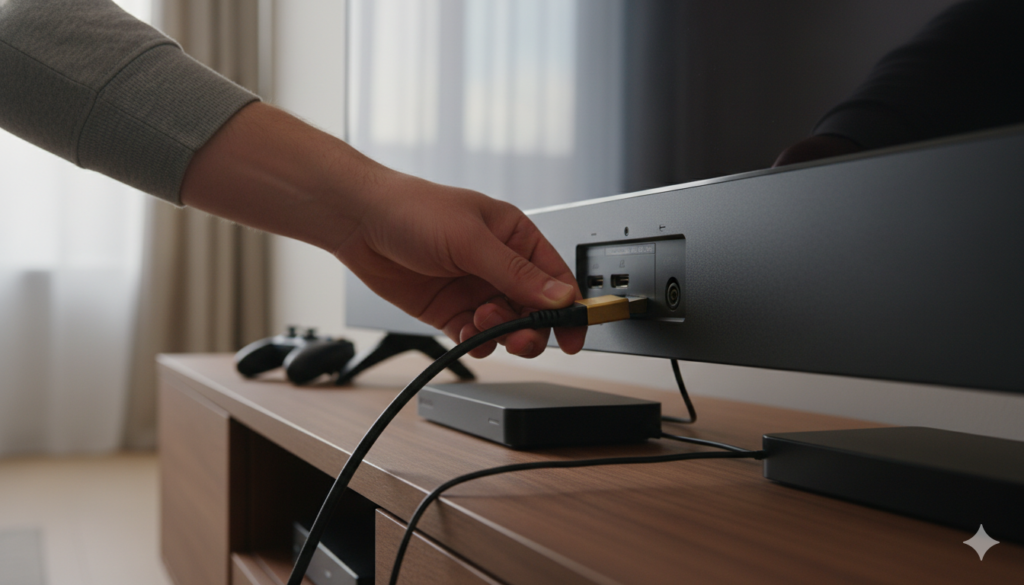
Another important feature is called ARC, which stands for Audio Return Channel. This allows your hdmi cable to send sound from your TV back to a soundbar or speakers. This is great because it means you don’t need an extra audio wire. You can control the volume of your speakers using your regular TV remote! This makes your setup much cleaner and easier to use. Just make sure you plug the wire into the specific “ARC” hole on the back of your TV.
Are Gold-Plated Connectors Worth It?
You might see some very expensive wires at the store with gold-colored ends. Companies often say these “gold-plated” hdmi cable options are much better. In reality, gold is used because it does not rust or corrode over time. This is helpful if you live in a place that is very humid or near the ocean. But for most people, it does not actually make the picture look “sharper” or “brighter.” A silver-colored plug usually works just as well.
The most important part of an hdmi cable is how well it is built on the inside. You want a wire that feels sturdy and has good “shielding.” Shielding is a layer of metal inside the rubber that protects the signal from interference from other electronics. If you have a lot of wires tangled behind your TV, good shielding is very important. Don’t worry too much about the gold paint; focus on the speed rating and the build quality instead.
How to Care for Your Cables
To make your hdmi cable last a long time, you should never bend it at a sharp angle. If you pull your TV stand too close to the wall, it might crush the wire. This can break the tiny copper strands inside and ruin the connection. I always suggest leaving a little bit of “slack” or extra wire behind the TV. If you have a wall-mounted TV, you can even buy “90-degree” adapters that let the wire plug in sideways.
Also, be careful when plugging and unplugging the wire. You should always pull from the hard plastic head, never the soft cord. If you move your laptop around a lot while it is plugged into an hdmi cable, the port might get loose over time. Treat these connections gently, and they will serve you well for many years. Keeping your wires organized with some simple Velcro ties can also prevent them from getting stepped on or tangled with the vacuum.
Gaming and High Refresh Rates
If you are a gamer, the hdmi cable is one of the most important parts of your setup. Modern games move very fast, and you want your screen to update as quickly as possible. To get the smoothest movement, you need a wire that supports a “High Refresh Rate.” This is usually measured in “Hz.” A standard wire does 60Hz, but gamers often want 120Hz or more. This makes the action feel much more responsive and “real.”
I have noticed that many gamers get frustrated with “input lag,” which is a delay between pressing a button and seeing it happen on screen. Using an Ultra High Speed hdmi cable can help reduce this lag. It also supports features like “Variable Refresh Rate” (VRR), which stops the screen from “tearing” during fast-paced scenes. If you just bought a new PlayStation 5 or Xbox Series X, make sure you are using the high-speed wire that came with it to get these benefits.
Frequently Asked Questions
1. Can a cheap cable be as good as an expensive one?
Yes! For short distances, a budget-friendly hdmi cable often works just as well as a luxury one. As long as it has the right speed rating (like 4K or 8K), the digital signal will look exactly the same.
2. How do I know if my cable is 4K?
Check the packaging or the writing on the wire itself. Look for words like “Premium High Speed” or “18Gbps.” If it only says “Standard,” it might not be able to show 4K pictures properly.
3. Will a new cable fix my blurry TV screen?
Sometimes! If your old hdmi cable is damaged, it can cause glitches. However, blurriness is often caused by your TV settings or a slow internet connection when streaming movies.
4. Can I use an old cable with a new TV?
You can plug it in, and it will probably work. But an old hdmi cable might limit your new TV’s features. It’s like using an old remote; it works, but you might miss out on the best new buttons.
5. What is the “Ethernet” part of the cable for?
It allows two connected devices to share an internet connection. Most people don’t use this yet, but it’s a standard feature on most newer High Speed cables.
6. Do I need to turn off my TV before plugging in the cable?
It is usually safe to plug in an hdmi cable while the TV is on. However, to be extra safe, turning the devices off first prevents any tiny static shocks from hurting the ports.
Conclusion: Making the Right Choice
In the end, finding the perfect hdmi cable is all about matching it to your devices. If you have a basic HD TV, almost any wire will do a great job. But if you have invested in a fancy 4K screen or a fast gaming console, spending a few extra dollars on a “Premium” or “Ultra” wire is a smart move. It ensures that you are actually seeing the amazing quality you paid for when you bought your television.
Don’t let the fancy marketing at big stores confuse you. Keep it simple: check the speed, check the length, and make sure the plugs fit. A good hdmi cable is a small investment that keeps your home entertainment running smoothly. Now that you know the basics, go ahead and check the wires behind your TV! You might find that a simple upgrade is all you need for a much better movie night. Happy watching!